
Adding the HubSpot Plugin to your Outlook ribbon bar is simple:
1. On the Home tab in your ribbion bar, select the "Get Add-Ons button

2. Search in the top right box for "HubSpot Sales".
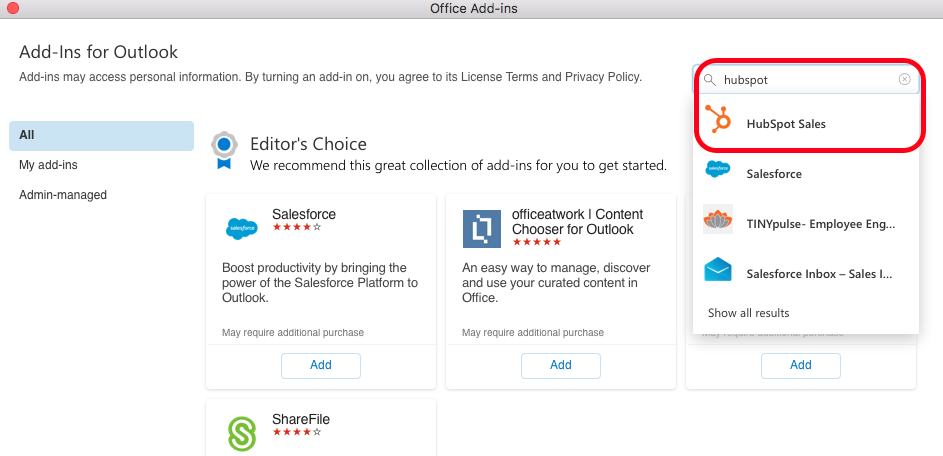
3. Once the plugin in found, select "Add"
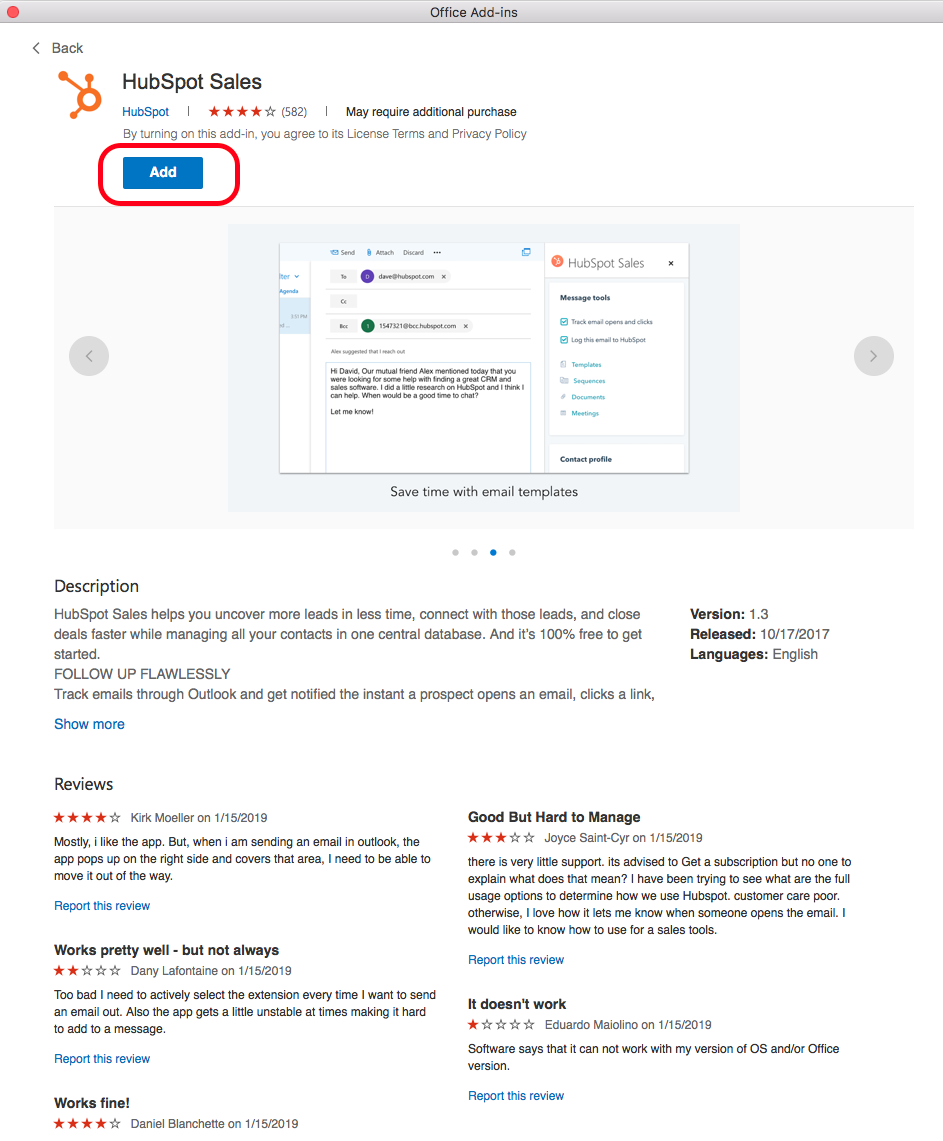
4. The HubSpot plugin is now installed and ready for use.

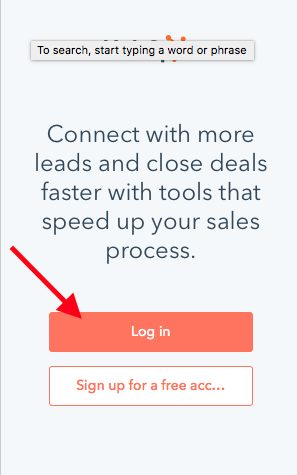
5. Once selected (and the first time launching), Log in.
Comments
0 comments
Please sign in to leave a comment.