
If you would like to stop sharing your calendar with someone, use Outlook on the web to remove his or her permissions.
-
At the top of the page, select the app launcher
 , and select Calendar.
 -
At the top of the page, select Share, and choose the calendar you want to stop sharing.
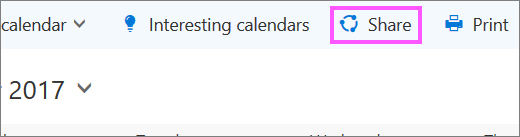
By default, your primary calendar is called "Calendar". If you created other calendars, you can select one of them instead. You cannot remove sharing permissions from calendars owned by other people.
-
Choose the person with whom you want to stop sharing your calendar and select Remove
 .
.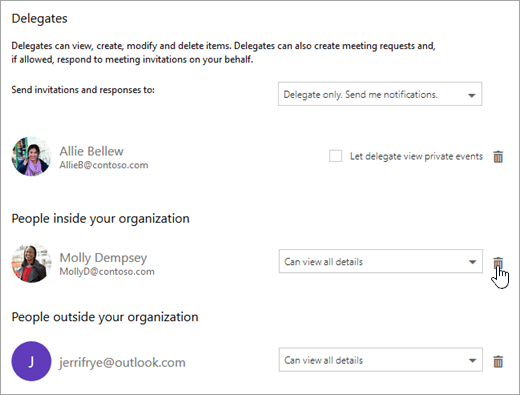
The person is now removed from the list of people with access to your calendar. If the person is inside your organization, your calendar will be removed from his or her list of calendars. If the person is outside your organization, his or her copy of your calendar is not removed but will no longer sync to your calendar or receive updates.
Comments
0 comments
Please sign in to leave a comment.